K Column Firmware Updater
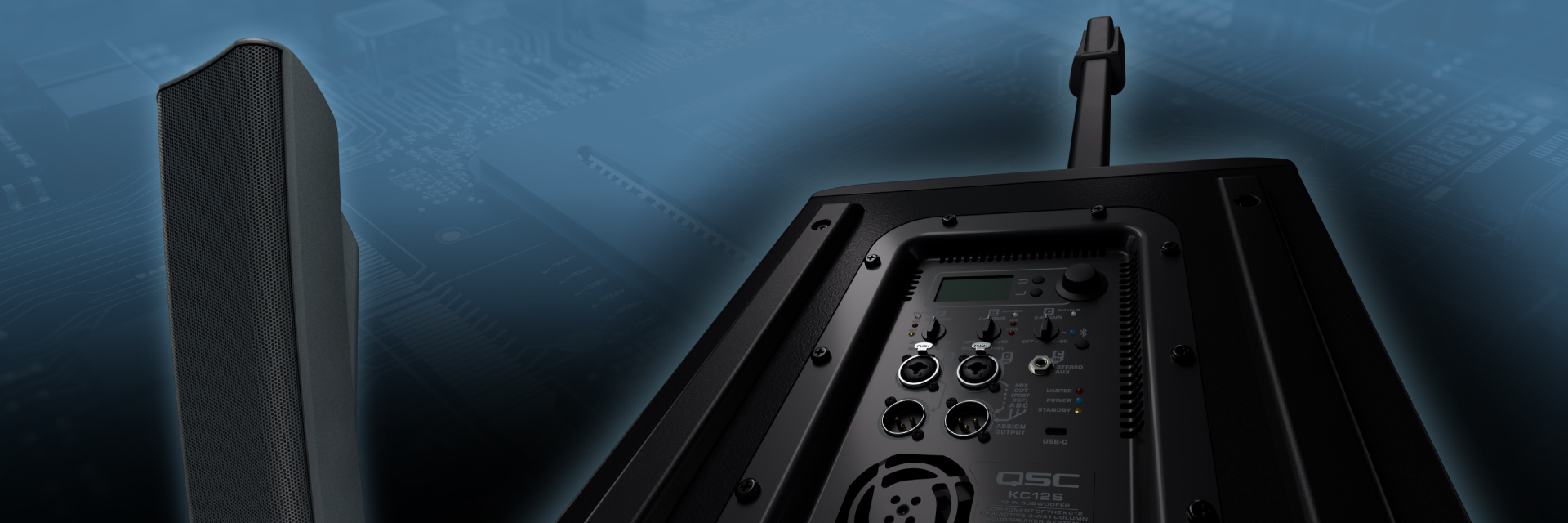
We recommend that all owners of KC12 Active Column Loudspeakers check and confirm that their loudspeaker systems are equipped with the latest firmware.
Updating the KC12 firmware is fast and easy and will serve to enhance and optimize your system’s performance. QSC remains committed to quality, reliability, and customer satisfaction. Please assist us in this regard by ensuring your KC12 product is always running the appropriate, latest firmware.
Release Notes
QSC K Column Firmware Updater
KC12 Version 2.0.28 (April 7, 2026)
New Features:
- If the update is interrupted while updating, the update will resume from the failure point instead of restarting from the beginning
- The updater app will show clearer firmware steps so the user can better track the process
KC12 Version 2.0.28 (January 12, 2026)
New Features:
- Remote App functionality
- Sub-Only mode, with selectable 80Hz (default), 100Hz, 120Hz Crossovers
- USB C to C Firmware Upgrade Mode
- Disable Standby when Bluetooth is connected
- The ability to change the speaker’s name via the remote control application
- MIX OUT GAIN - real-time change instead of having to press enter to confirm the change
Bug Fixes:
- Mic taper discontinuities: As the volume increases, the mic taper rises and then unexpectedly drops
- User EQ default frequencies changed to the following
- High Shelf frequency: 8K
- EQ1 frequency: 250
- EQ2 frequency: 2.0K
- Low Shelf frequency: 100
- Fixed an issue where the partial lock screen incorrectly displayed “ENTER CODE TO UNLOCK” instead of “ENTER CODE TO LOCK”
- Resolved an issue where recalling default scenes did not reset certain user settings
- Fixed an issue where the Output Level screen could freeze and display incorrect values after recalling a saved scene
- Resolved an issue where the rear-panel Bluetooth LED turned off when the Bluetooth status menu was selected
- Fixed an issue where switching to SUB-ONLY mode could trigger an unintended factory reset
- Resolved an issue where Bluetooth audio was muted after recalling the default scene when the Bluetooth Sync Tone was set to OFF
- Fixed an issue where the LCD backlight could turn off while making changes using the back-panel controls
KC12 Version 1.3.22 (July 8, 2025)
- Dedicated Stereo mode added to Multi-cast Bluetooth™ audio functionality
- Improvements to the Bluetooth™ connection process
- Resolved issue where KC12 would remain in STANDBY mode and require a power cycle to return to normal functionality
- Bug fixes and improvements
KC Firmware Updater 1.0.2 (July 8, 2025)
- Mac Firmware Updater Available
USB Connections and Compatibility
The KC12 USB Type C connection located on the subwoofer back panel is used to upload firmware updates on your KC12 Loudspeaker and utilizes a USB 2.0 computer connection protocol. However, computers with built-in USB-C ports may default to using a SuperSpeed+ data connection that is not compatible with USB 2.0.
CASE 1 - If your computer has built-in USB Type A ports, we recommend using these to connect your computer to your KC12 Loudspeaker to perform firmware updates using a good quality USB-A to USB-C cable.
CASE 2 - If your computer only has USB Type C ports, you must use a USB Type C to USB Type A adapter to guarantee proper data speed connection. While using the adapter you can then use a standard, good quality USB-A to USB-C cable to connect to the KC12 Loudspeaker to perform firmware updates.
| Adapter | Link |
| Amazon Basics USB C to USB A Adapter Cable | https://a.co/d/5skhzNk |
| Syntech USB C to USB OTG Adapter Cable | https://a.co/d/3vv3q2S |
| Ugreen USB C to A OTG Adapter Cable | https://a.co/d/aKvOdCx |
| JSAUX USB C to USB A OTG Adapter Cable | https://a.co/d/chc07JR |
| Ugreen USB C to A Direct Adapter | https://a.co/d/cgK5q5L |
| JSAUX USB C OTG TM Direct Adapter | https://a.co/d/afcpCF5 |
Mac Users
Please read the following instructions before performing the update:
Mac KC12 Firmware Update Instructions (pdf)
If you experience any issue with updating your KC12 firmware please contact QSC support at https://support.qscaudio.com